
Firmware update
Update the firmware of a machine remotely.
The Firmware tab shows the installed version and whether a newer one is available.
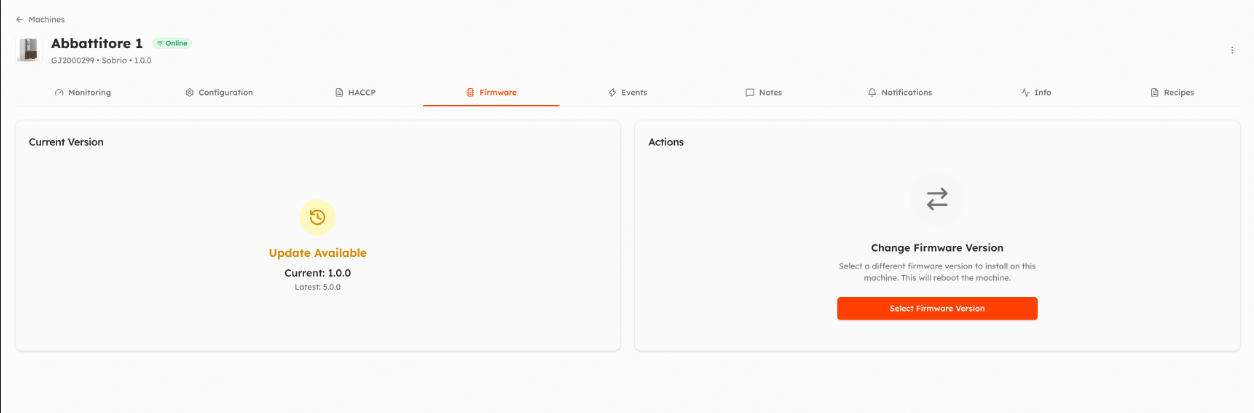
- Click Select Firmware Version and choose the version to install.
- Confirm: the machine downloads and installs it. It restarts and stays offline for a few minutes.
- The progress is shown while the update runs; you can cancel it. If it fails, the reason is shown and you can try again.
The machine must be online. Only firmware versions with a file can be installed.
If the machine reports a version that is not registered in Things5, it is shown as an unknown version; administrators can create it in the model.
To update many machines of the same model at once, use Update Firmware in the machine list. Firmware versions are managed in the model, see Firmware versions.
Updated 3 days ago